

Self-hosted lead sourcing and enrichment
OPEN SOURCESELF-HOSTEDAGPL-3.0
Source leads.
Control the spend.
OpenGTM is an open-source workspace for sourcing and enriching leads. Run it on your infrastructure, use your provider keys, and review estimated spend before each workbook run.
Try the seeded demo without provider keys. No hosted account.
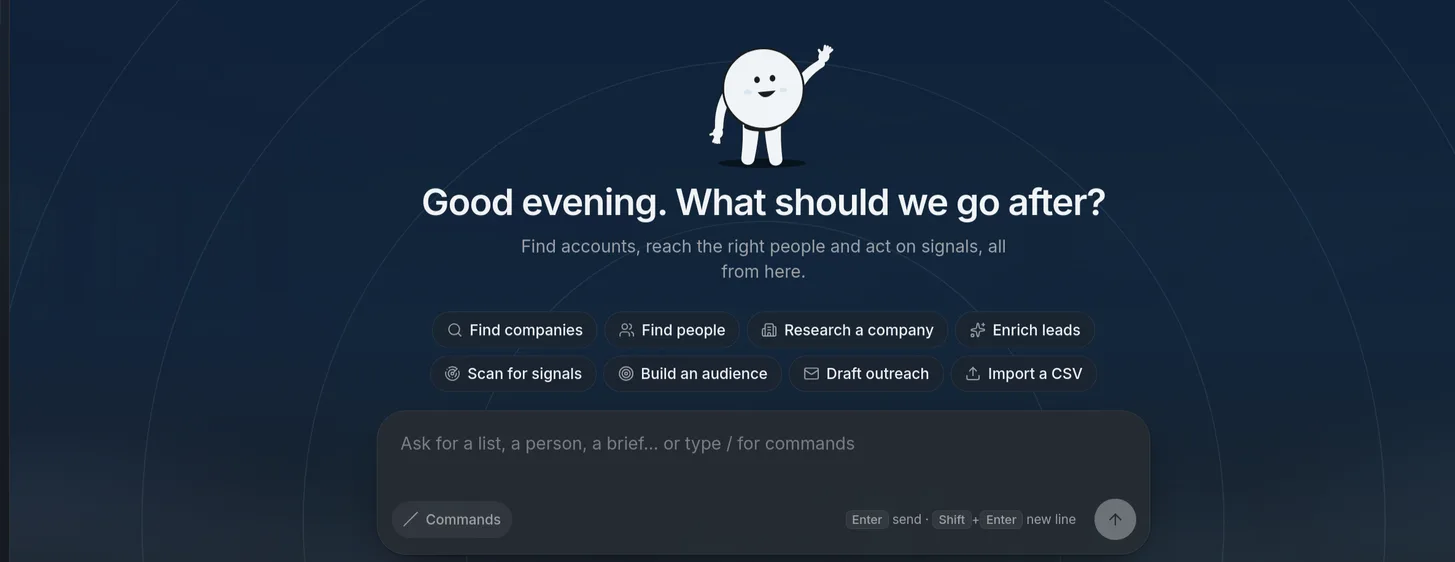
START HERE
Install with Docker Compose.
The installer creates admin credentials, secrets, and a writable data directory.
01 / LAPTOPDocker Compose · macOS / Linux
git clone https://github.com/debpalash/OpenGTM.gitcd OpenGTM./scripts/install.shOpen localhost:3000. Read the initial admin password from .opengtm-initial-credentials.
02 / SERVERVersioned image · private HTTP
git clone --branch v3.0.0 https://github.com/debpalash/OpenGTM.gitcd OpenGTM./scripts/install.sh --no-startPin the image, bind port 3000 to loopback, and put a TLS proxy in front. Server install steps →
Docker Compose v2 · about 4 GB free RAM. Installation guide · Production checklist · OpenGTM vs. Clay
THE WORKFLOW
Workbooks show each step.
Source rows, enrich missing fields, keep citations next to research answers, then send qualified rows to your tools.
OPERATE WITH CONTROL
Control spend and trace results.
Review an estimate before a run. A workbook budget stops paid calls before they exceed your ceiling.
- Evidence
- Research citations link to pages fetched during the run.
- Cost
- Cell traces show provider attempts, latency, and cost.
- Hosting
- Your team operates the stack, backups, and upgrades.
Try the seeded workbook.
Open the install guide